
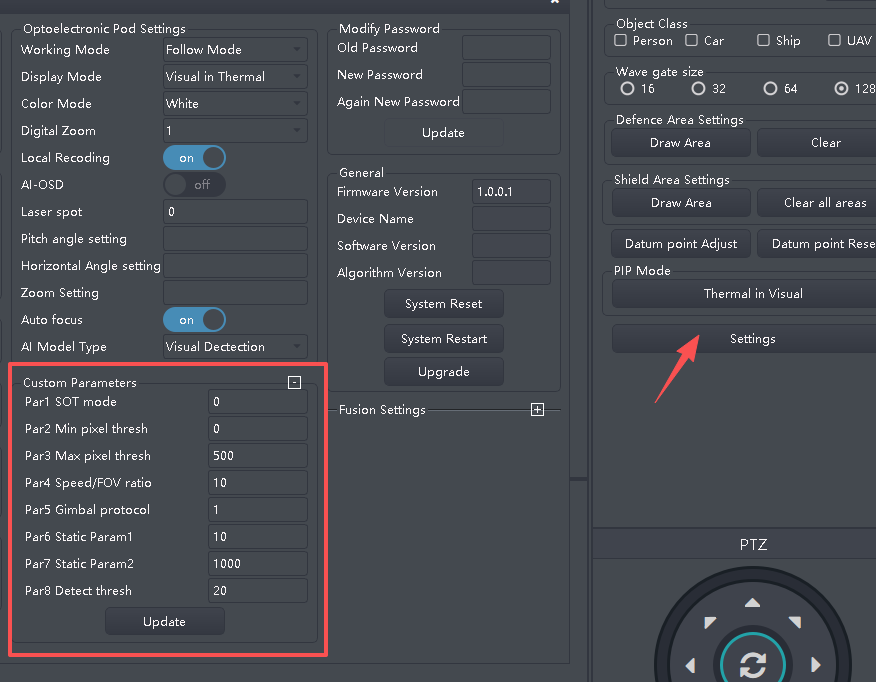
🗜️Custom Parameters Setting
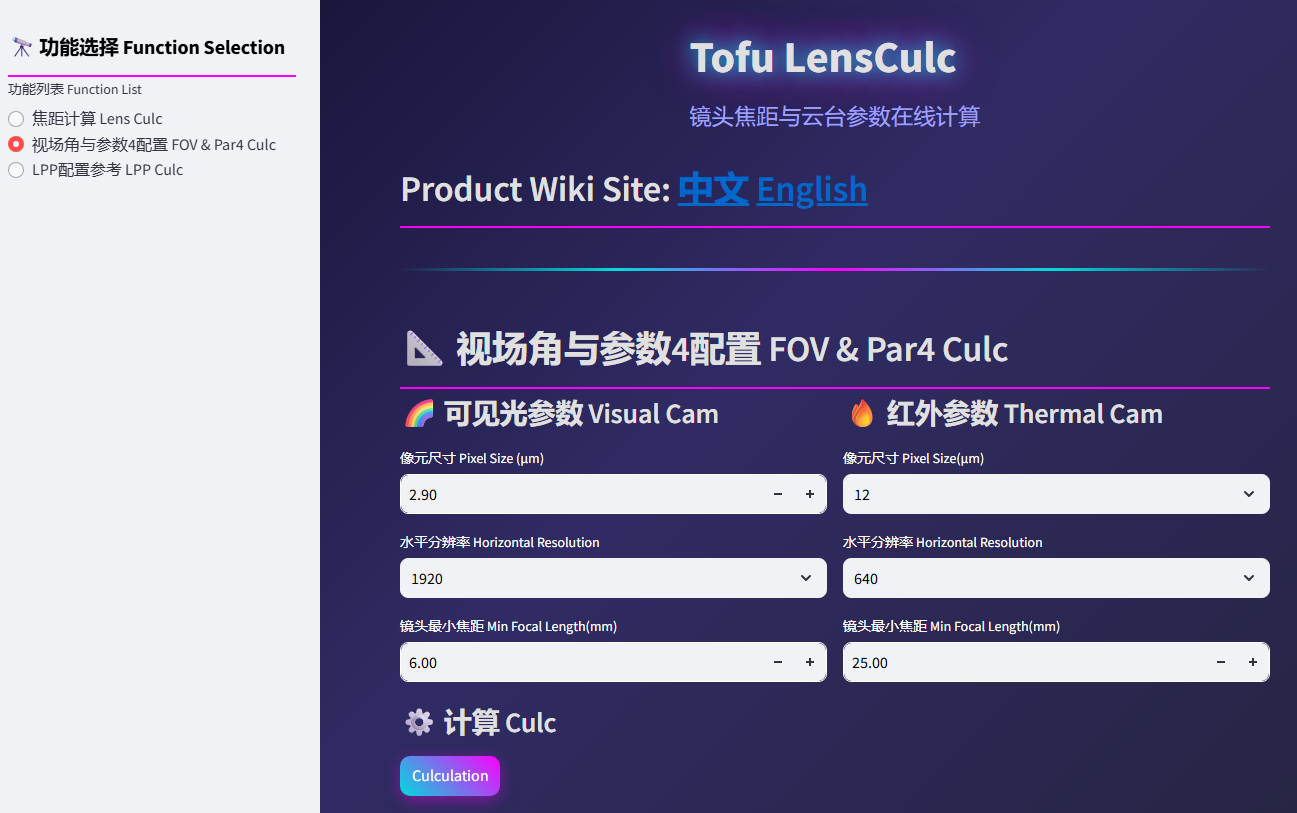
Online Auto Param Culc Software:
🟢 Custom Parameter 1 SOT Mode:
Set to 1 for Small Target Tracking Mode, set to 0 for Standard Tracking Mode.
🟢 Custom Parameter 2 Min pixel tresh:
Minimum target pixel count for recognition. Targets with pixel counts below this value will be filtered out. Default value is 0, meaning no minimum restriction.
🟢 Custom Parameter 3 Max pixel tresh:
Maximum target pixel count for recognition. Targets with pixel counts exceeding this value will be filtered out. Default value is 500, meaning targets above 500 pixels are filtered out.
🟢 Custom Parameter 4 Speed/FOV ratio:
- Single Video Input Mode:
Parameter 4 represents 10 × (Horizontal Subdivision Speed / Vertical Subdivision Speed). Default is 10 (horizontal and vertical speeds are equal). Use only when speeds differ significantly; avoid arbitrary modification. - Dual Video Input Mode:
Visible light magnification factor × 10 when the fixed-focus thermal infrared and visible light share the same Field of View (FoV). E.g., if thermal FoV matches visible light at 3.2X zoom, input 32.
🟢 Custom Parameter 5 Gimbal protocol:
- Firmware v2.0.9.8:
param5 > 0: Continuous Variable Speed Servo Control Mode.
param5 = 0: Pelco-D Protocol Tracking Mode. - Firmware v2.1.3.9:
param5 = 17: Continuous Variable Speed Servo Control Mode.
param5 = 0: Pelco-D Protocol Tracking Mode.
🟢 Custom Parameter 6 & 7 static param:
LPP protocol gimbal setting.Please see Tracking and PTZ Parameter Fine-tune Guide
🟢 Custom Parameter 8 Detect tresh:
Recognition confidence threshold percentage. Default is 20, meaning targets with confidence scores ≥ 20% are identified. Adjust based on specific scenarios.
